Invoice Preview
You can check the usage fees with discounts/promotions applied up to the current date of the month, as well as any outstanding amounts.
Select the profile icon on the upper right of the Home screen, and then select My usage > Invoice Preview History.
Grouping by project or product
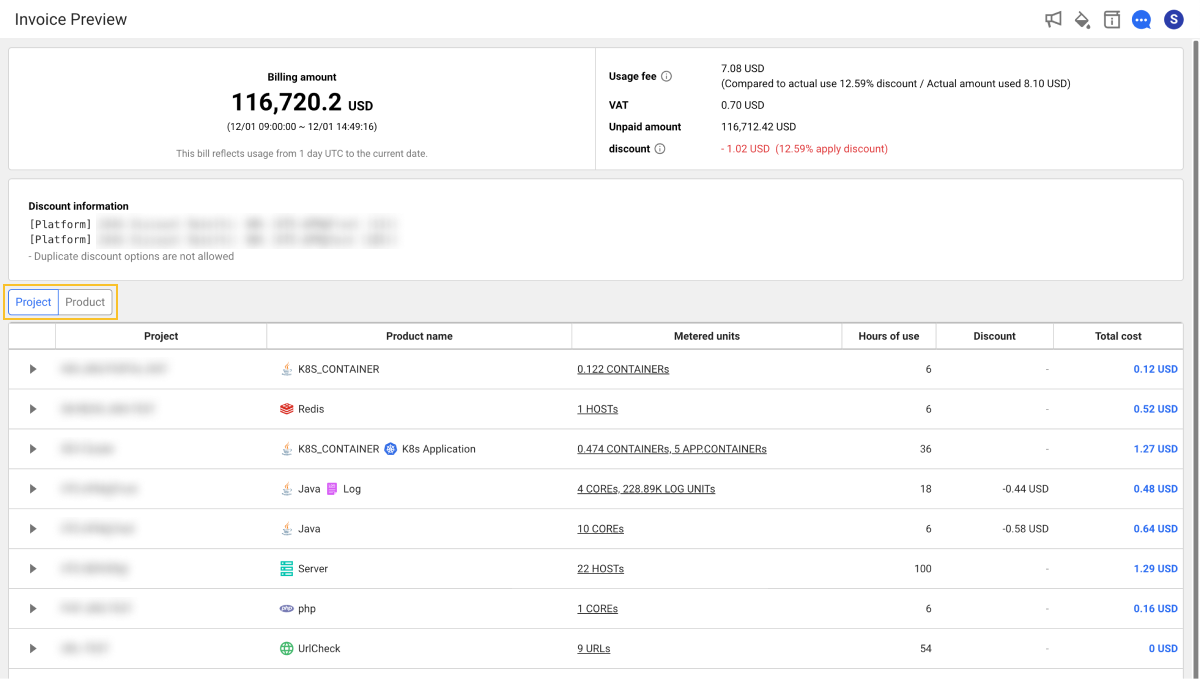
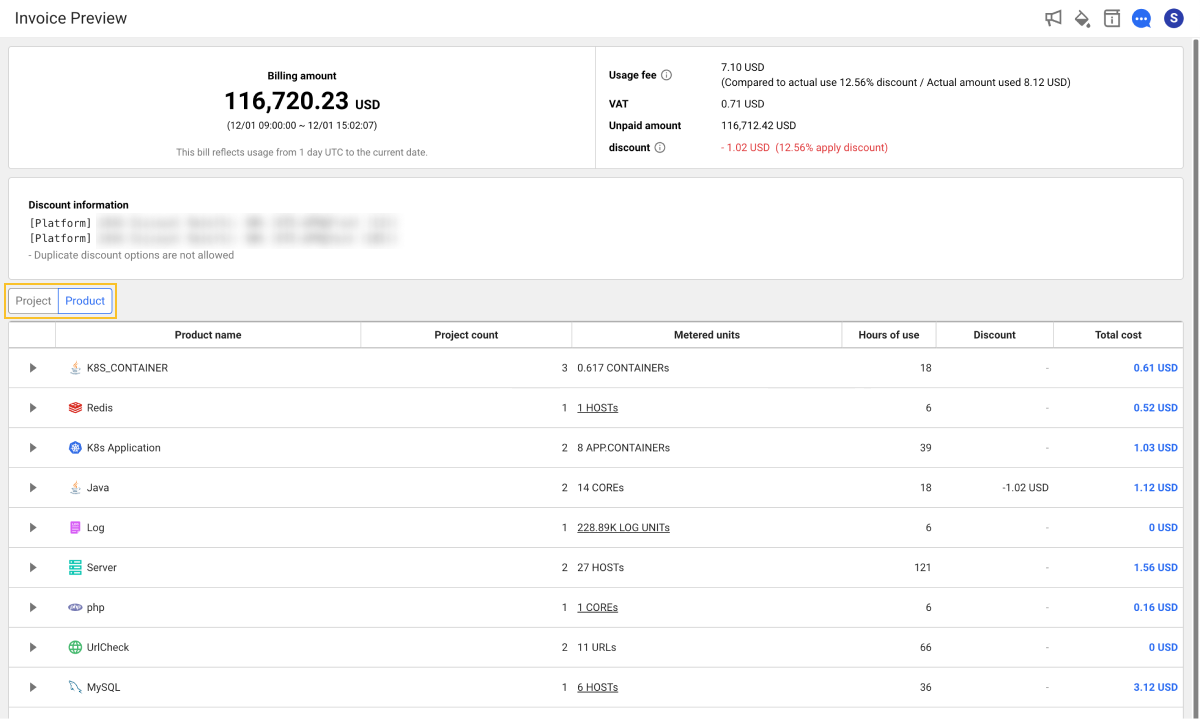
You can group billing details by project or product to check the total hours, average cost, and total cost. Click the Project or Product button above the billing details table. The list in the table is grouped by project or product.
To view detailed information such as total hours, average cost, and total cost grouped by Project or Product, click the  button on the left of each item.
By project
By product
Usage preview
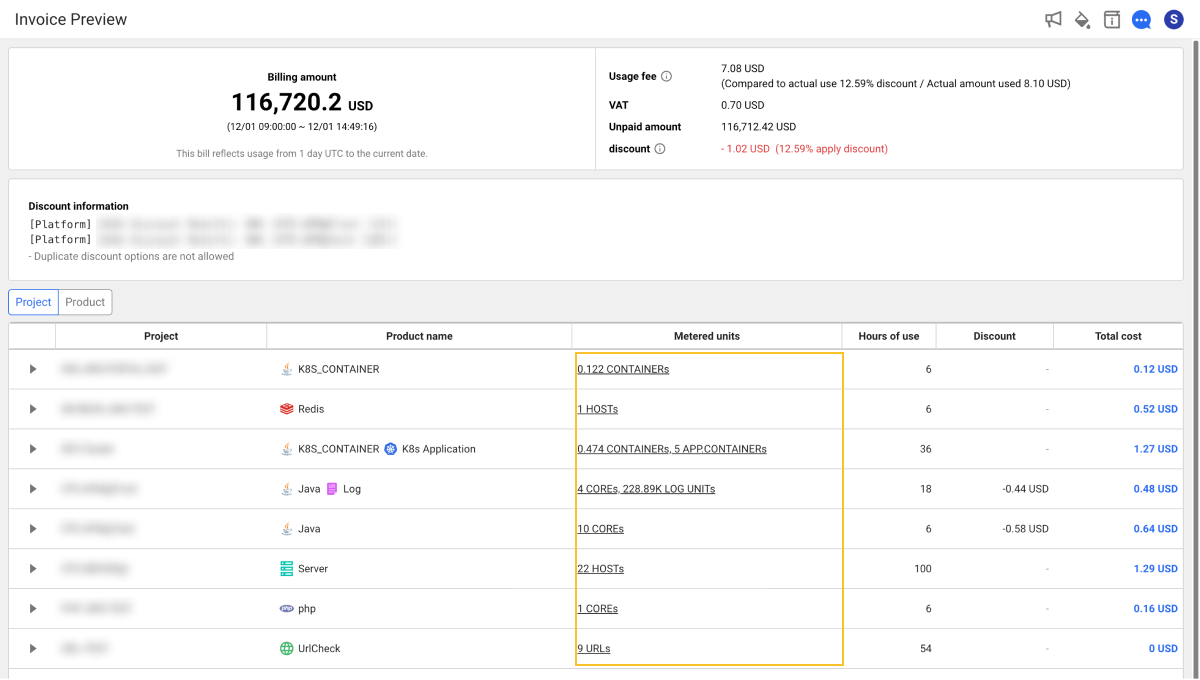
Select a Metered units column item in the billing details table to check the usage. The Metering information window appears. Click the Expand All button or select the date to view.
When billing details are sorted by product and multiple products are grouped together, the usage preview may not be supported.