System Events
WhaTap Monitoring provides common system events that are automatically detected and generated across the platform. This document explains the types of events generated by the system, their trigger conditions, and recommended response actions.
EVENT_BLOCKED_BY_SYSTEM
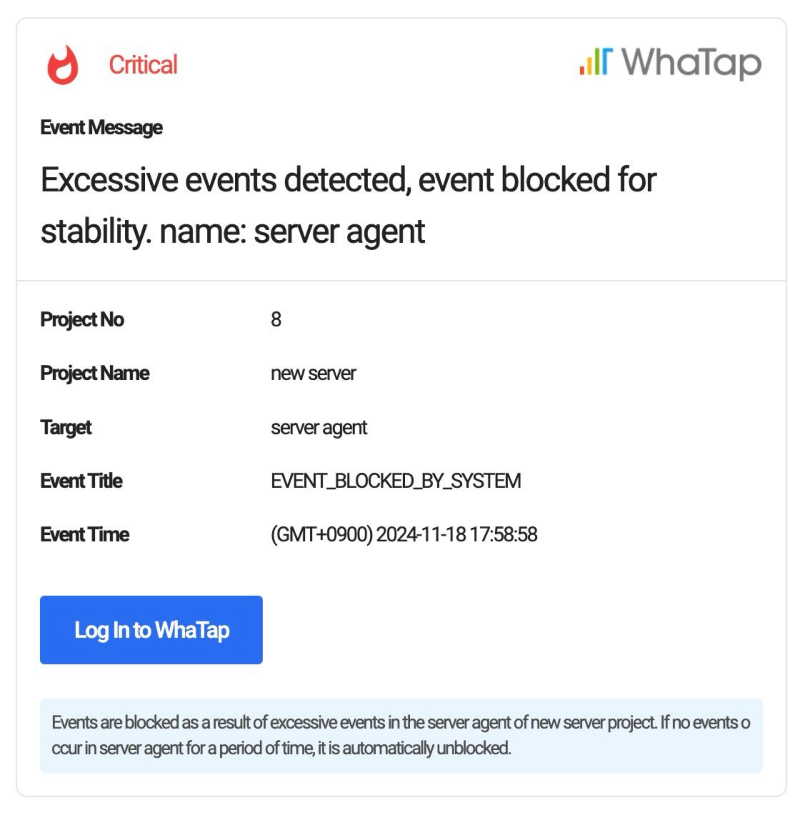
If an excessive number of events occurs within a short period of time in a project, the WhaTap system detects this situation and blocks further events. When events are blocked, the system delivers the following message to the user. If you encounter this event, review and adjust your event configuration settings.
Blocking Criteria
Events are blocked based on the following criteria:
-
Agent-level blocking
If 10 events occur within 1 minute from a single agent, all subsequent events from that agent are blocked.
-
Project-wide blocking triggered by multiple agents
If 3 or more agents are blocked within 1 minute according to condition 1, events from the entire project are blocked.
-
Project-level blocking
If 100 events occur within 1 minute in a single project, all events from that project are blocked.
How to Release the Block
When events are blocked by the system, no events must occur from the affected agent or project for 1 minute.
-
Disable all configured events from Alert > Event Configuration. Review your event settings and adjust thresholds to prevent excessive event generation.
-
Before configuring events, use the Simulation feature to estimate how many events may occur.